
About the RFID Card
What Is the RFID Card?
With the Epsis RFID Card you can start charging quickly and conveniently without opening the mobile app. You can request your RFID Card free of charge through the Epsis mobile app.
Request, Activation and Use
Requesting an RFID Card
- Log in to the Epsis mobile app or, if you are a new user, complete your registration.
- Go to “RFID Card Request” under the Profile tab.
- Create your card request.
- Your RFID Card will be sent free of charge to the address registered in the system.
Card Activation
When your RFID Card reaches you, you can contact the Epsis Call Center or send feedback through the mobile app to activate it.
Charging cannot be started with an RFID Card whose activation has not been completed.
Charging with the RFID Card
After connecting your car to the charging station, hold your active RFID Card to the card reader on the station. Your charging will start shortly.
Payment Method
Your RFID Card is matched with the payment method selected in your Epsis account. When you change your payment method in the app, the payment method linked to your RFID Card is updated automatically.
If You Lose Your Card
If you lose your RFID Card, you need to contact Epsis to have the card blocked. This helps prevent unauthorised use of your card.
Campaigns and the RFID Card
Location campaigns and the Favourite Station campaign do not apply to charging sessions started with an RFID Card.
Get Epsis Mobile
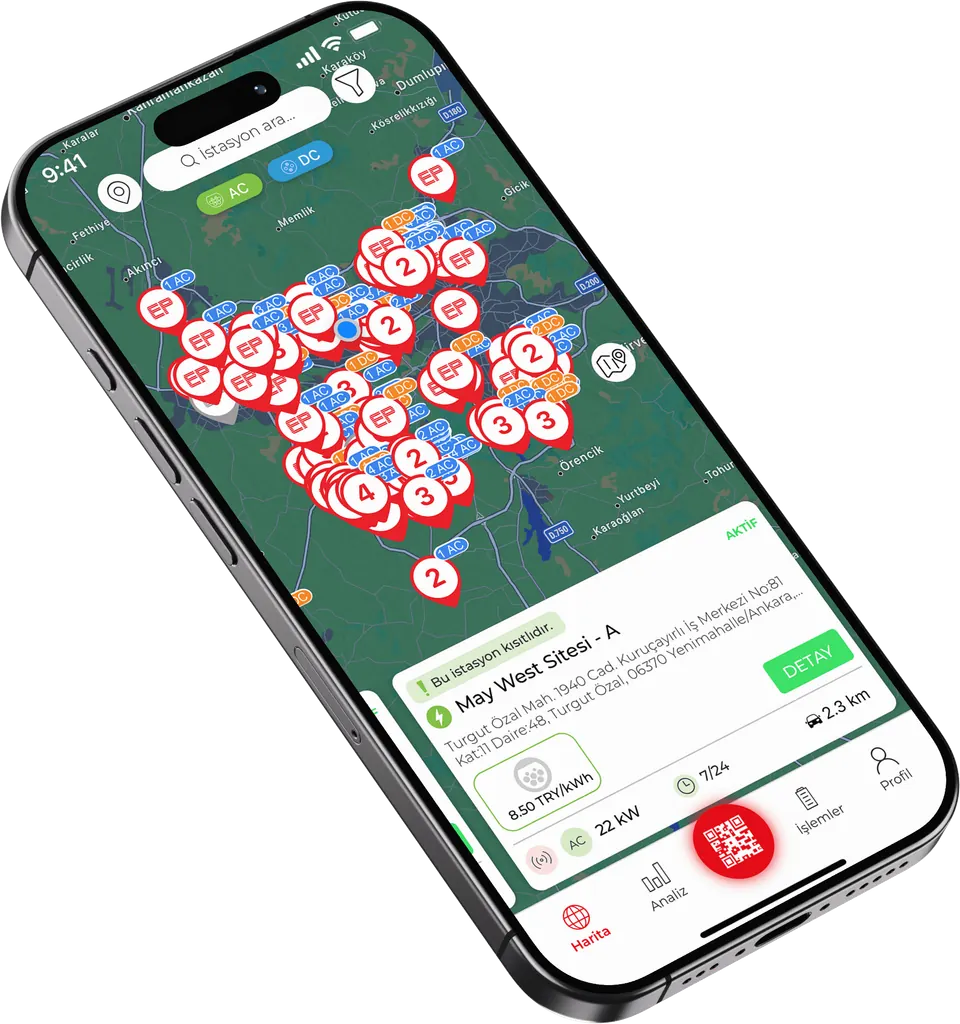
You can create your RFID Card request in the Profile tab of the app.

 Scan it with your phone camera